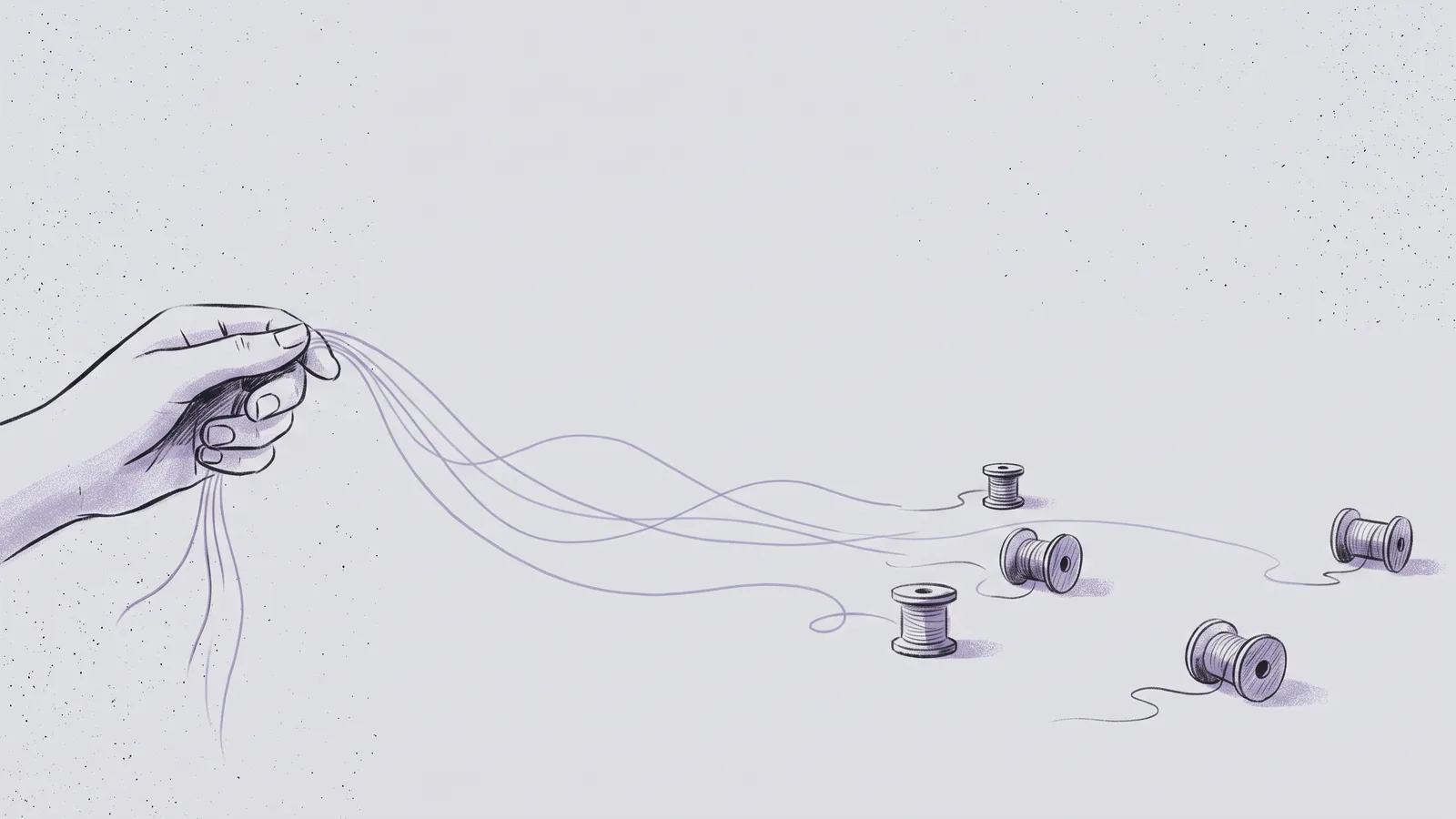
I run this whole website from one Claude Project. The redesign, the favicon, the little games, these posts. All of it.
If you want to know how to use Claude Projects well, here's the short version: brief it once, keep feeding it work, and answer when it asks.
The rest of this post is the long version, from my own setup.
What a project is now
Anthropic redesigned Projects in September 2026.
Before, a project was a folder: some files, some instructions, some chats.
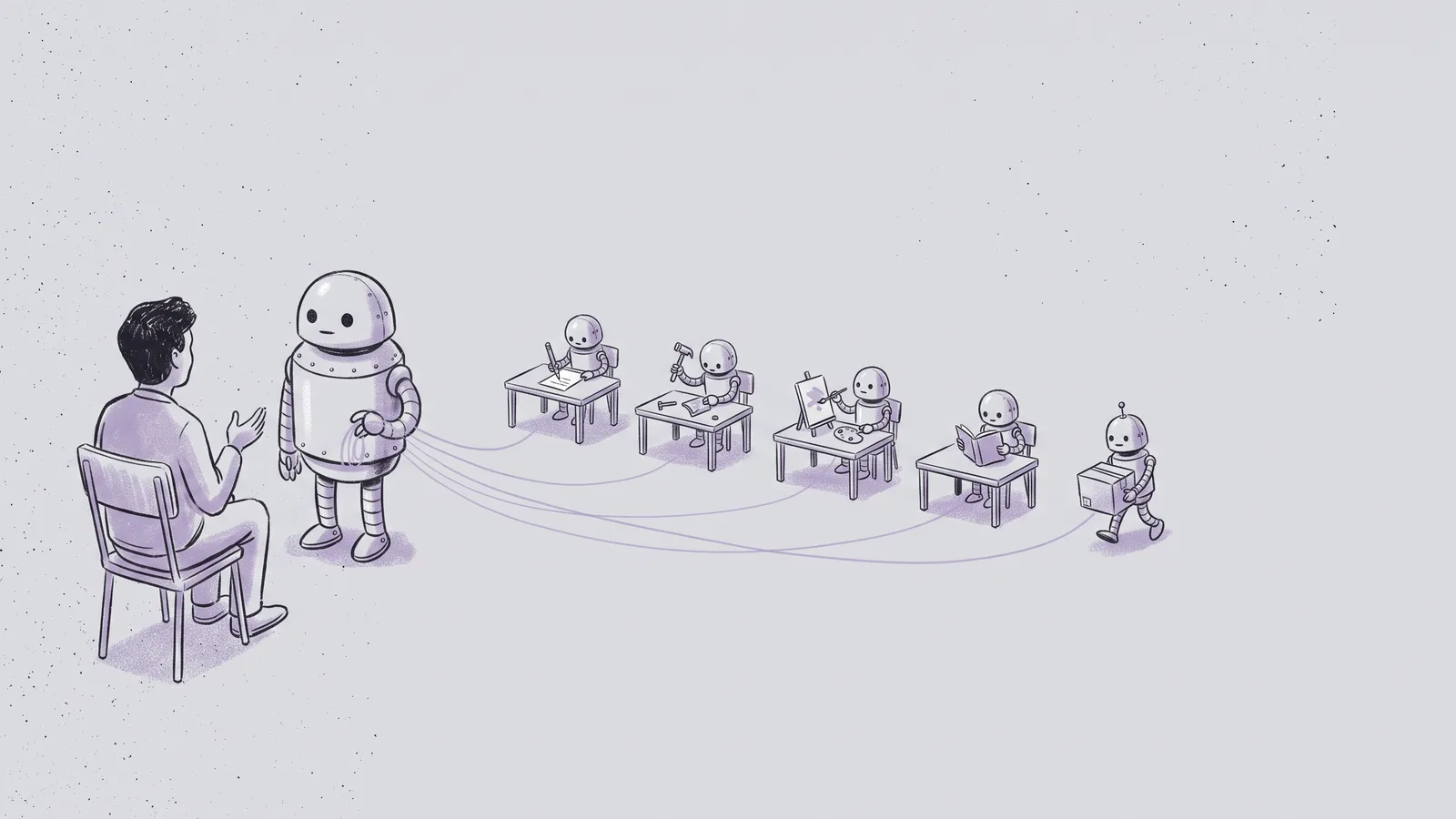
Now it's a chat with a coordinator. You tell it what you want. It answers, or it starts a thread. Each thread is a full Claude Code session with its own copy of your code. Threads share a memory and report back when they're done.
It's in beta on Pro and Max, on the web, desktop and mobile apps (docs). Most guides online still describe the old folder version.
1. Let Claude set it up
I didn't write my setup. My first message was:
Help me set up this new project from my recent work. Look through my recent sessions and repositories, identify the main thread of work, and propose a project setup: a short name, the repositories it should include, an environment, concise project instructions drawn from what kept coming up, and one or two optional routines. Show me the proposal before changing anything.
It came back with a name, instructions and a weekly check of the live site. I said "yes".
2. Keep the instructions short
Instructions are the brief every thread reads first. Mine are one paragraph:
Site is davit.cc, built from the main branch of davit-khaburdzania.github.io and served by a Cloudflare Worker (wrangler.jsonc). Davit is the only one working on the site, so don't open pull requests: commit and push straight to main. Every push to main deploys davit.cc automatically within about a minute (Cloudflare's GitHub connection), so a push is a production change: show Davit a preview of visual changes before pushing. Keep profile details (location "Tbilisi, Georgia", website davit.cc) consistent across the site, GitHub and LinkedIn. Verify changes on the live site after each push.
The first version got the branch wrong. The first thread read the code and fixed it.
The rest got added as I went. "No pull requests" came on day two, when I told it I'm the only one working on the site.
3. Know where things go
A project keeps context in three places:
| Where | What goes in it | Example from my site |
|---|---|---|
| Instructions | Rules every thread needs | "Show a preview before pushing" |
| Memory | Decisions you make along the way | "Unposed goes last in the Projects list" |
AGENTS.md in the repo |
How the code is built | "Never use green accents" |
Memory fills itself when you say "remember". If you only write one of these, write the repo file. Every session reads it, project or not.
4. Send work, then walk away
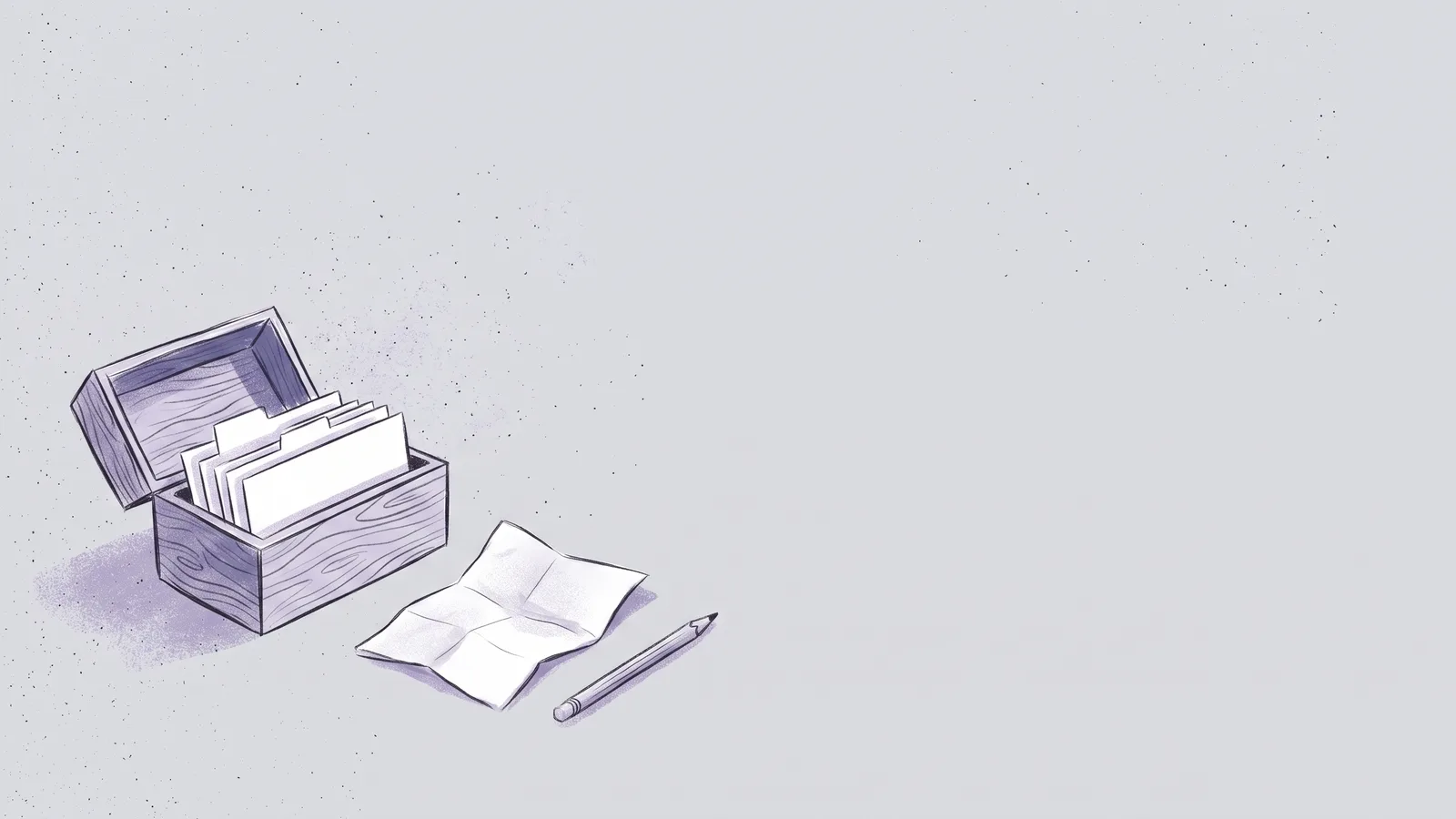
Talk to the coordinator like a colleague. Questions get answered. Work becomes a thread.
When a thread needs a decision, it asks with a few options and a recommendation. When my CV needed updating, it asked whether it should edit the PDF or I'd do it myself. I picked "I'll do it".
One thing isn't obvious: if a thread needs your approval, answer in that thread. Saying "go ahead" to the coordinator doesn't reach it.
5. Use your own computer when you have to
Some of my work needs my Mac. Paper, the design app I use, only runs there.
So that one thread runs on my machine through Remote Control, and everything else stays in the cloud. Turn it on in the desktop app under Settings > Claude Code, then pick "Work locally" in the project chat.
6. Watch your usage
Every thread is a full session and several run at once, so a project uses your plan faster than a chat.
Two habits help:
- New work, new thread. Long threads get expensive. My redesign thread hit 165 replies before I let it go.
- Close what you're done with. A thread that watches a pull request wakes up every time CI fails.
You can also switch to cheaper models in the project settings.
Frequently asked questions
When should I use a project instead of a chat?
When the work keeps going, like a product or a site you keep improving. A quick question is fine in a chat.
What's the difference between Claude Projects and Claude Code?
Projects are built on Claude Code. Every thread is a Claude Code session. The project adds the coordinator, shared instructions and memory.
Can I share a Claude Project with my team?
Not yet. During the beta a project belongs to one person.
Do cloud threads get my local skills and MCP servers?
No. They get the connectors and skills from your claude.ai account and whatever is in your repo. Anything installed only on your laptop needs a thread running on your computer.
The short version, again
Brief it once. Let it remember the rest.
Here's how I work day to day, and here's my CV.